Color Scanner - Paletix
Turn any photo into a practical color palette in seconds. Extract dominant colors, review hex and RGB values, copy codes, and save inspiration for design, development, decor, branding, and creative projects.
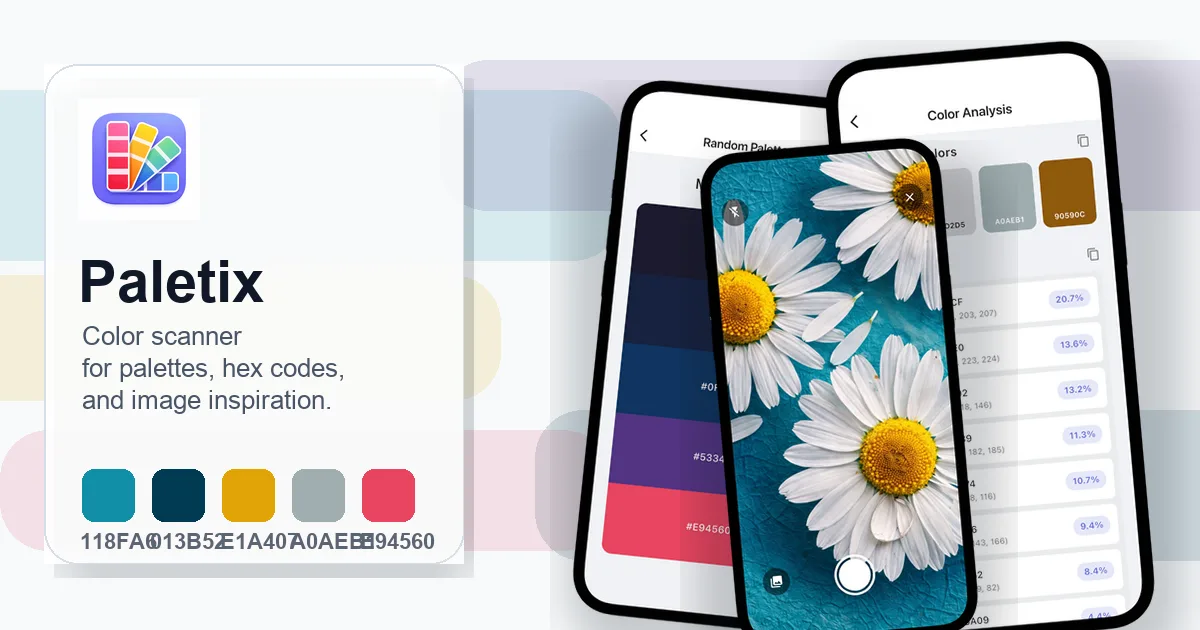
Capture real-world color inspiration without the manual picking
Paletix keeps the color workflow fast: scan an image, inspect the palette, copy exact values, and keep useful analyses ready for your next project.
Photo Color Scanner
Camera or gallery input
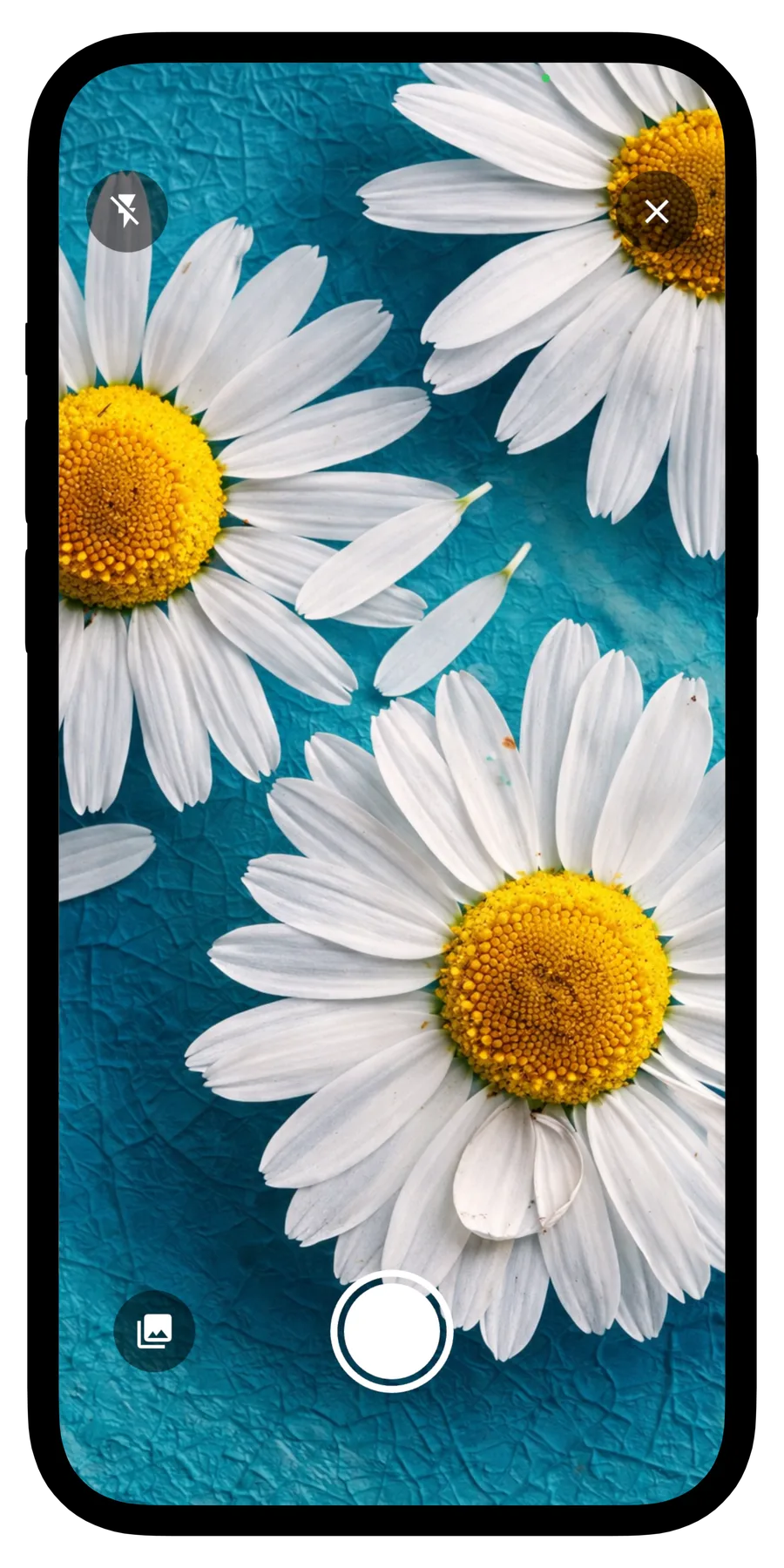
Snap a new photo or import an existing image to start extracting useful colors from real objects, rooms, products, mood boards, or screenshots.
Interactive Picker
Tap any pixel for a value
Select a specific point in the image when you need one exact color, then review its hex and RGB values without guessing.
Palette Breakdown
Dominant colors and percentages
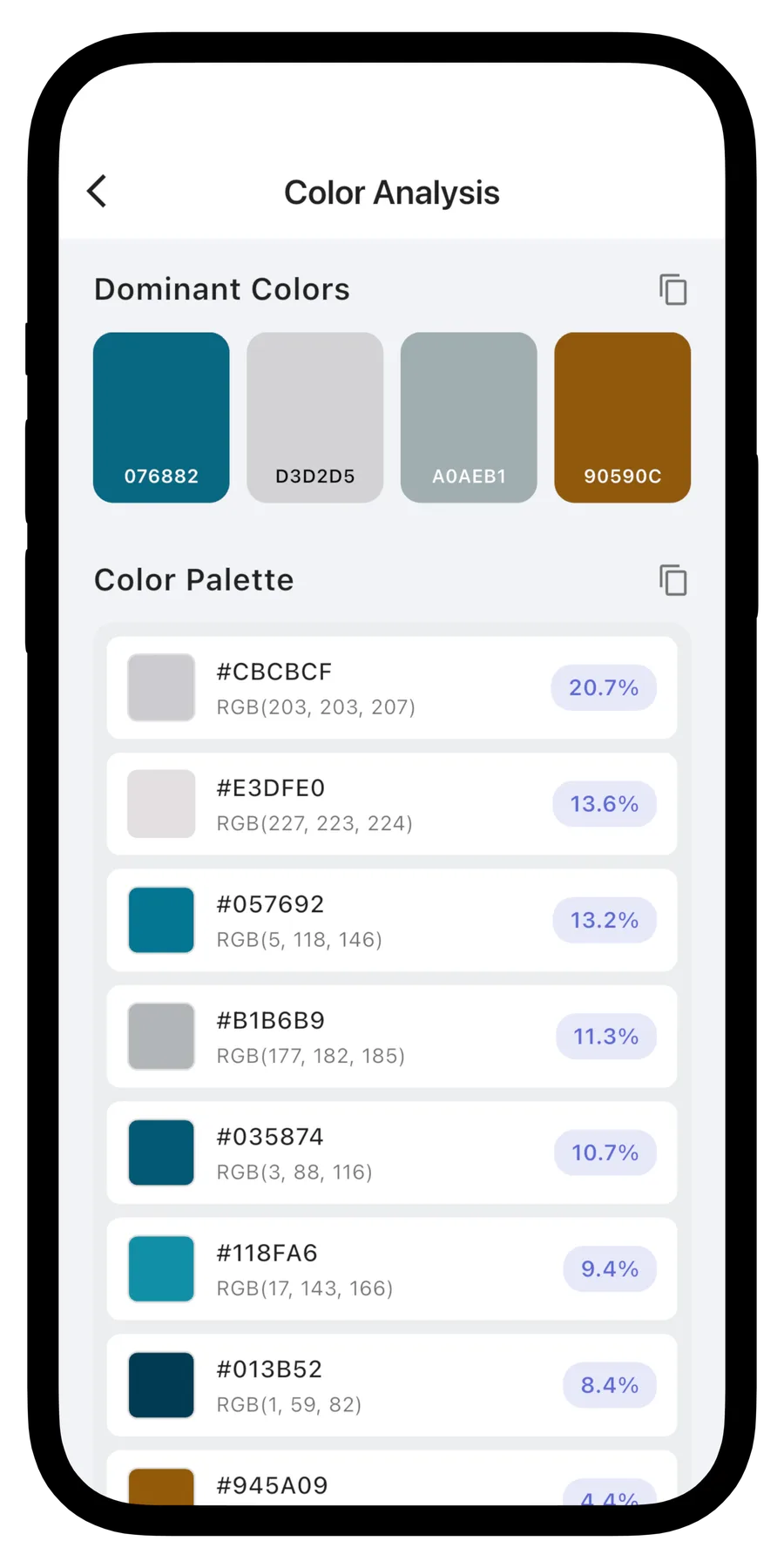
Review dominant colors, detailed palette entries, percentage distribution, and visual color cards that make the result easy to scan.
Copy and Reuse
Built for creative handoff
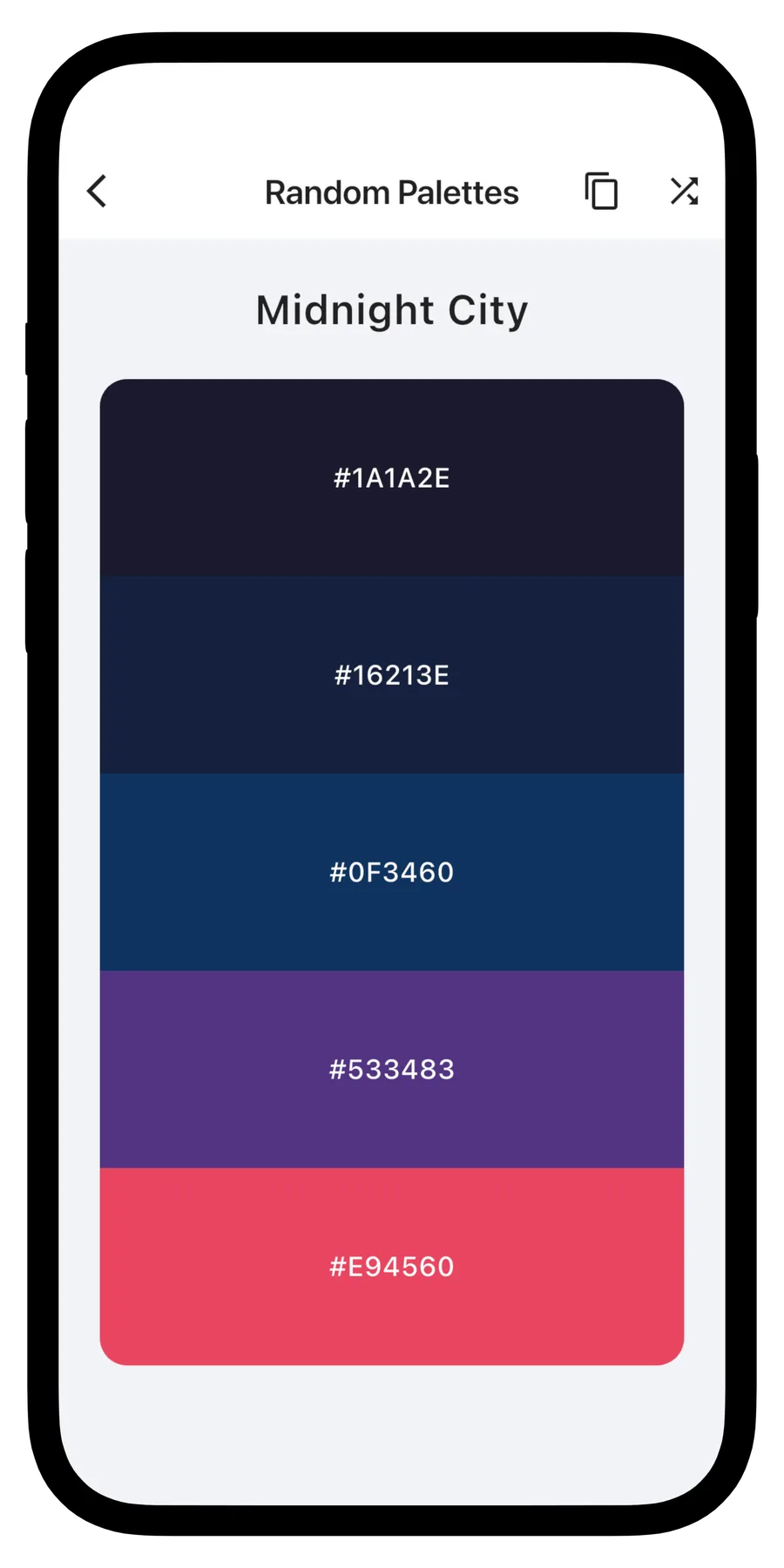
Copy hex and RGB codes, save analyses to a personal collection, and browse random palettes when you need a fresh starting point.
Scan a Color Palette in Three Steps
Use Paletix as a lightweight bridge between the colors around you and the tools where you design, build, shop, or plan.
1. Capture or Import
Take a photo with the camera or choose an image from your gallery. Clear lighting helps the app read colors more consistently.
2. Review the Palette
See dominant colors, palette entries, percentages, hex values, RGB values, and AI-assisted color context for the image.
3. Copy, Save, or Shuffle
Copy codes for your design tools, save analyses for later, or browse curated random palettes when you need more inspiration.
Exact Codes
Use hex and RGB values instead of eyeballing a match.
Creative Context
Review temperature, associations, and use cases for palette direction.
Private Workflow
Use saved analyses and app data with clear privacy and support channels.
Built Around Creative Workflows
Use-case examples for quick color decisions across visual projects.
Brand Palette Work
Design workflow
"Capture inspiration from packaging, interiors, products, or mood boards and turn it into reusable color references."
Frontend Styling
Developer workflow
"Pull a hex value from a reference image and move faster when matching interface accents, charts, or marketing assets."
Home and DIY Planning
Everyday workflow
"Save colors from fabrics, paint samples, flowers, or room photos before comparing combinations later."
Frequently Asked Questions
Answers about photo color scanning, palette accuracy, copied color codes, saved analyses, subscriptions, and privacy.
Can I identify colors from a photo?
Yes. Paletix lets you take a photo or import an image, then extracts dominant colors and palette entries so you can review useful hex and RGB values.
What color values does Paletix show?
Paletix shows hex codes, RGB values, dominant color cards, palette percentages, and related color context so the result is easier to use in design and development tools.
Can I tap an image to pick a specific color?
Yes. The interactive color picker lets you tap a point in the image to inspect a specific color and copy its code.
Are the colors always exact?
Color values depend on lighting, camera processing, image compression, shadows, reflections, and screen calibration. Use Paletix as a fast reference and verify exact production colors when precision matters.
Can I save previous color analyses?
Yes. Paletix is designed to keep useful analyses and palettes available so you can revisit inspiration and compare colors later.
How does the subscription work?
Subscriptions, when offered in the app, are billed through the App Store and renew automatically unless canceled in your App Store account settings at least 24 hours before the renewal date.
How is my data and privacy protected?
Photos and app data are used to provide photo color scanning, palette extraction, saved analysis, and related app functionality. Review the Privacy Policy for details about data handling and support options.
Start collecting colors from the world around you
Download Color Scanner - Paletix to extract palettes from photos, copy hex and RGB values, and keep creative color ideas organized.